


On this page you can learn how to take care of your hearing aids and get the most out of them, through connecting your hearing aids to other devices and accessories.
Please use our easy videos and how-to guides, where you can learn how to change batteries or domes, clean your hearing aids, or connect hearing aids to the TV or music streamer
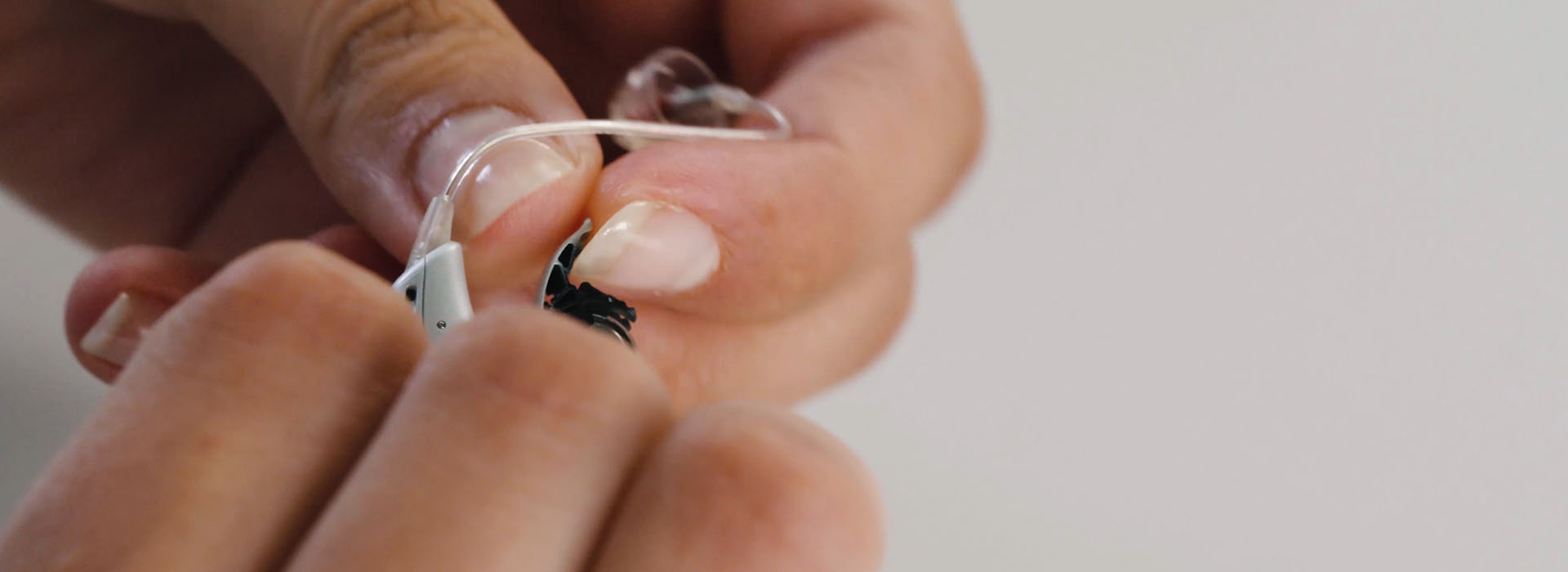
Essential Hearing Aid Maintenance Tips
Download guides for your hearing aids

Getting started with your hearing aids
Download now

Troubleshooting guide for hearing aids
Download now

Tips for family and friends of hearing aid users
Download now
How-to videos for hearing aid maintenance


1. Changing batteries, domes and earwax filters

How to change your hearing aid batteries
Watch video

How to change the domes on your hearing aids
Watch video

How to change the ear wax filter
Watch video

WARNING
New and used button/coin batteries are hazardous and should be kept away from children. Button/coin batteries can cause serious injuries if swallowed or placed inside any part of the body. Seek medical attention immediately if this is suspected. The Australian Poisons Information Centre can be contacted 24/7 on 13 26 11 for fast, expert advice.
2. Maintaining and cleaning your hearing aid

How to clean your hearing aid
Watch video

How to clean your Oticon in-the-canal custom hearing aids
Watch video

How to change batteries in your Oticon Opn invisible in-the-canal hearing aids
Watch video
3. Using your hearing aids

How to change programs on your behind-the-ear miniRite hearing aids
Watch video

How to attach an ear grip to your hearing aid
Watch video
How to remove an ear grip from your hearing aid
Watch video
4. Connecting your hearing aids to devices and accessories
Connectivity depends on the particular features of your hearing aid, which may differ depending on make and model. Not all hearing aids have connectivity capability. Check instructions for use for your hearing aid(s).

How to make Skype calls using your hearing aids
Watch video

How to receive calls from your iPhone in your hearing aids
Watch video

How to use the ConnectClip as a remote microphone
Watch video

How to hear TV sounds in your hearing aids using a TV adapter
Watch video

How to listen to music in your hearing aids using an iPhone
Watch video

Connect hearing aids to the Remote Control
Watch video

Connect hearing aids to the Oticon App
Watch video
THIS PRODUCT IS NOT AVAILABLE FOR PURCHASE BY THE GENERAL PUBLIC WITHOUT A CONSULTATION WITH A HEARING HEALTHCARE PROFESSIONAL.